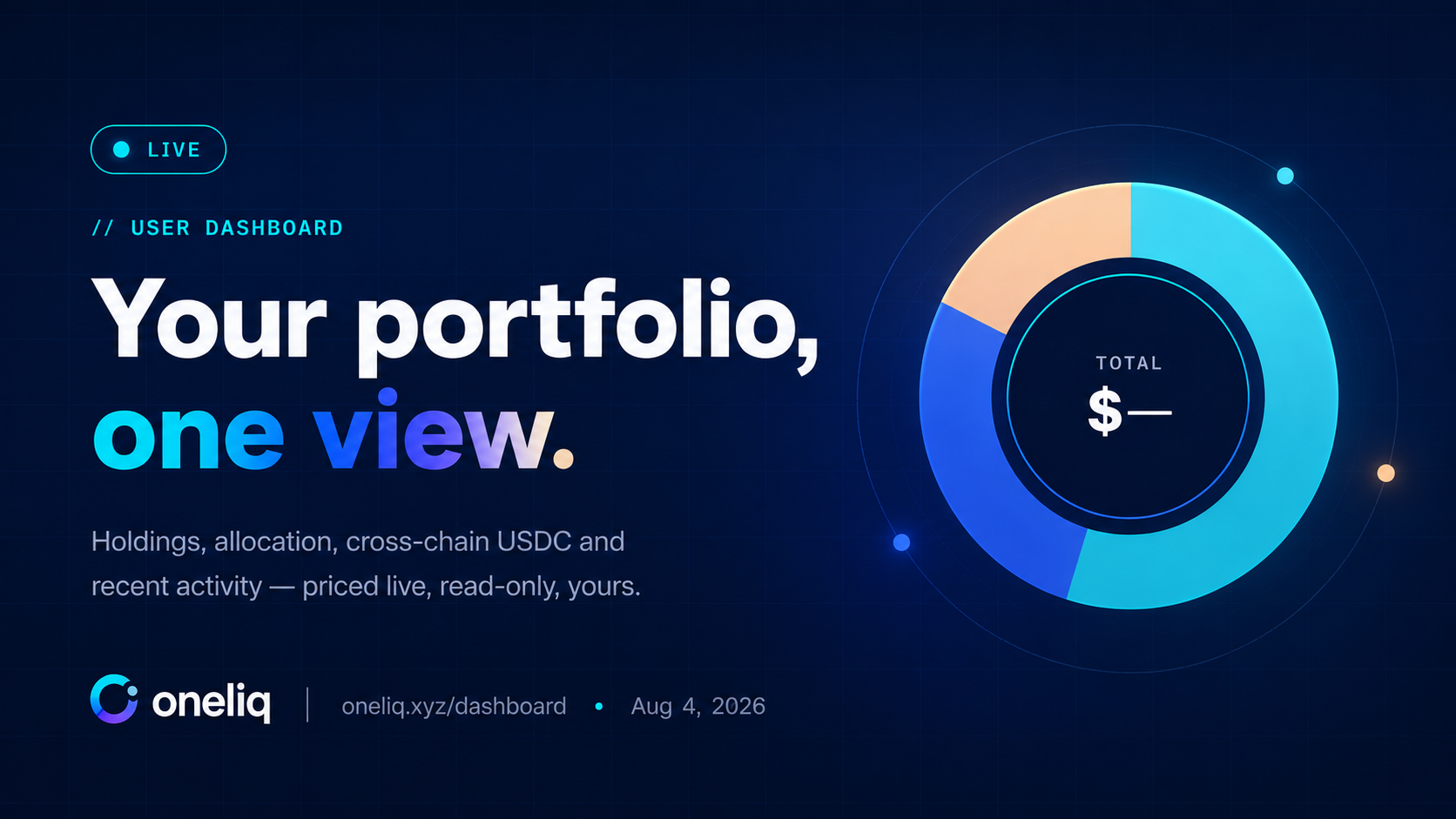
Everything Oneliq does — Trade, Balance, the agent, the History feed — produces a number that matters to you: how much do I hold, and where? Until now those numbers lived on separate pages. The Dashboard pulls them into one place, at oneliq.xyz/dashboard.
Five modules, one page
A deterministic avatar for your address, your connected wallet, and your total portfolio value in USD with a 24-hour change.
Your Arc token balances — USDC, EURC and cirBTC — each multiplied by a live price to give a per-asset USD value. Switch the tab to see allocation.
A donut of your holdings by USD weight, so a glance tells you whether you're mostly in dollars, euros, or BTC exposure.
Your unified USDC across the chains Circle Gateway covers — the same balance Balance spends from — summarised right on the home page.
The fifth module is Recent activity: the latest receipts from the exact same feed that powers the History page — swaps, sends, top-ups — so your dashboard and your history never disagree. Every card also carries a deep link (Trade →, Balance →, History →) to jump straight to the surface that owns it.
Prices you can trust — or at least reason about
USD values need prices, and prices need a source. Ours is CoinGecko: BTC drives the cirBTC value, EUR drives EURC, and USDC is pinned to $1. Two design choices keep it honest:
- Live, but cached. The last good price set is saved in your browser. If a fetch is rate-limited or fails, the dashboard degrades to the last known numbers instead of showing you a blank or a zero.
- Balances are on-chain, prices are off-chain. The token amounts are read directly from Arc. Only the USD conversion depends on a third party — so even if pricing hiccups, your holdings are always real.
Small touches
- Collapsible sections. Every card folds away, and the layout remembers what you collapsed — per browser — so it stays how you left it.
- Wallet-reactive. Connect, disconnect, or switch accounts and every module re-renders instantly. No refresh.
- Tap to copy. Your address in the hero copies with a click.
How to open it
- Connect a wallet. Head to oneliq.xyz/dashboard and connect. Everything below the hero fills in as balances and prices load.
- Read your portfolio. Total value up top; holdings and allocation in the first card; cross-chain USDC and recent activity below.
- Jump to the action. Use the
Trade →,Balance →andHistory →links on each card to go straight to the surface you need.
What's next
The Dashboard is deliberately simple: read your position, then act. Over the coming milestones we'll deepen the analytics side — richer allocation and portfolio views land alongside the broader Multi-Asset Automation and Treasury Operations work on our roadmap. This user dashboard is the personal, at-a-glance version of that story.
See everything your wallet holds.
User Dashboard · Live on Arc Testnet · Priced by CoinGecko · Read-only.
Open Dashboard Go to TradeOneliq is a non-custodial frontend currently on Arc Testnet. The Dashboard is a read-only view of on-chain balances and public prices. Nothing here is real money or financial advice. We don't custody funds; you always retain control of your wallet.